Automation Showroom
Measure what actually slows you down — then automate.
Automation Showroom is the mobile app for operations bottlenecks in SMBs. The friction log captures every everyday friction in under 10 seconds — copy-paste, searching, waiting — and transparently projects the cost of waiting: hours and euros per month, shareable as a report for your boss. The sparring describes your bottleneck in seven short questions, pre-filled from your profile, with quick starts for typical cases. The engine matches against curated architecture patterns (no LLM, no hallucinations) and returns hypotheses with confidence, an ROI range and honest recommendations — sometimes "don't do it". Plus 13 real automation cases (new ones appear automatically, no update needed) and two short courses. No account, no tracking, everything stays on your device — including iCloud device backup and file export.
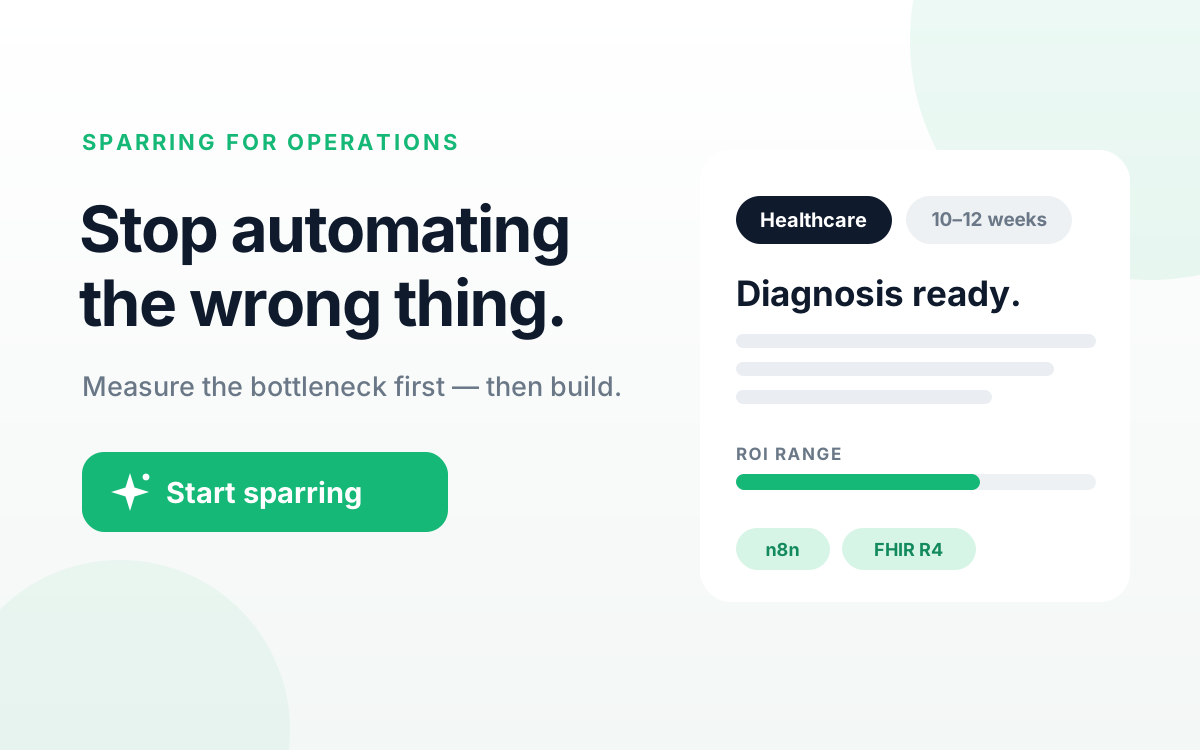
Automation rarely fails on the technology. It fails because nobody can put a number on what the bottleneck costs.
Everyone on the team knows time is leaking somewhere: copying numbers from one system into another, hunting for the same email a third time, waiting for an approval that has been pending since Tuesday. But "time is leaking somewhere" is not an argument that gets an automation project funded. The number is missing. And without a number, day-to-day business wins every time.
Automation Showroom starts exactly one step earlier: measure first, then diagnose, then decide — and sometimes the right decision is "don't do it".
The friction log: the number you're missing
Any everyday friction is captured in under ten seconds: tap a category, estimate the minutes, add an optional note — done. Copy-paste, searching, waiting, rework. No form, no required fields, nothing you abandon after three days.
From your entries and your hourly rate, the app transparently projects what the waiting actually costs: hours and euros per month, derived step by step instead of conjured up by some ROI calculator on the internet. The result is shareable as a report — the one page that turns "we should really automate that" into a conversation with a budget.
The sparring: seven questions instead of a workshop
The sparring describes your bottleneck in seven short questions — pre-filled from your profile (industry, company size, area of work), with quick starts for typical cases. After about ten minutes you have a solid diagnosis, not after three meetings.
The engine behind it matches your answers against curated architecture patterns. Deliberately no LLM: no hallucinations, no invented tools, no answer that comes out different on every run. Instead: hypotheses with confidence and an honest ROI range — and if the math doesn't work out, the app says so. "Don't do it" is a valid recommendation, because an automation that costs more upkeep than it saves is not progress.
Cookbook and courses: see how others solved it
On top of that, 13 real automation cases — real bottlenecks, real solution paths, with the patterns you'd build with tools like n8n. New cases appear in the app automatically, no store update needed. Two short courses provide the foundation to evaluate recommendations and defend them inside your own company. Things worth keeping go into bookmarks; what you've read is tracked as progress.
Where your data lives: on your device. Period.
No account, no sign-up, no tracking, no telemetry, no crash reports to third parties. Sparring sessions, friction log, profile, and progress live in an encrypted local store (MMKV) on your device. They are part of your regular device backup (e.g. iCloud), and the file export lets you take everything with you at any time — you decide where it goes.
The only network access fetches new editorial content on app start. That request contains no user data and no identifiers — without internet, the app simply uses the bundled content.
Who this is built for
- Operations and team leads in SMBs — who know something is stuck but need a number before anyone signs off on budget
- Assistants and back office — who carry the copy-paste routine and finally want to make it provable
- IT and digitalization owners — who have to prioritize automation requests and want an honest pre-check
- Freelancers and small teams — who won't pay for a consulting project but still want to decide with structure
What Automation Showroom is not
Not an automation platform — the app doesn't build workflows and doesn't replace n8n, Zapier, or Make. It answers the question that comes before: what does the bottleneck cost, what would a solution realistically deliver, and is it worth it at all? And it's not a consulting funnel in disguise: the diagnosis stands on its own. If you want a live sparring with humans afterwards, you can request one — but you don't have to.
Getting started
Automation Showroom is available for iOS and Android — store links at the top of this page. More about the app and the cases at automationshowroom.com.
Screenshots
Frequently asked.
Do I need an account?
No. No account, no sign-up, no tracking. Sparring sessions, friction log, and profile live encrypted on your device; the file export lets you take your data with you at any time.
Is there an LLM behind the sparring?
No, deliberately not. The engine matches your answers against curated architecture patterns — deterministic, no hallucinations. The result is hypotheses with confidence and an ROI range, derived the same way on every run.
How does the friction log work?
Tap a category, estimate the minutes, add an optional note — under ten seconds per entry. Combined with your hourly rate, the app transparently projects what the frictions cost per month in hours and euros, and turns it into a shareable report.
Why does the app sometimes recommend not to automate?
Because an automation that costs more upkeep than it saves is not progress. If the ROI range doesn't hold up against the effort, the app says so honestly — "don't do it" is a valid diagnosis.
Does the app work offline?
Yes. Everything runs locally on the device. The only network access fetches new automation cases on app start — no user data, no identifiers. Without internet, the app uses the bundled content.
Tech stack
- React Native
- TypeScript
- MMKV
- Zustand
Platforms
- iOS
- Android
Tags
- Operations
- Sparring
- Automation
- B2B